Looking for a Telenor eSIM in Pakistan? If your smartphone supports eSIM, you can use a digital SIM instead of a plastic SIM card. Telenor launched eSIM for prepaid and postpaid customers, and you activate it by scanning a QR code.
This guide explains the eSIM price, how to get a new eSIM or convert your existing SIM, which phones are supported and how to check your own phone.
Does Telenor Offer eSIM in Pakistan?
Yes. Telenor launched eSIM in Pakistan in August 2024 for both prepaid and postpaid customers.
An eSIM (embedded SIM) is a digital SIM profile stored inside a compatible phone. Instead of inserting a plastic card, you scan a QR code to install your mobile connection.
No Plastic SIM
Nothing to insert, remove, lose or damage.
Free SIM Tray
Keep your SIM slot free for another connection.
Dual SIM
Use an eSIM and a physical SIM together on compatible phones.
Easy Setup
Install your connection by scanning a QR code.
Telenor eSIM Price in Pakistan 2026
From 17 August 2026, PTA set a maximum fee of Rs. 1,500 for issuing a new eSIM or converting a physical SIM to eSIM, across Pakistan, AJK and Gilgit-Baltistan.
New eSIM
Up to Rs. 1,500
SIM to eSIM Conversion
Up to Rs. 1,500
Device Transfers
First 10 transfers free
Special Numbers
Ask about extra charges
Rs. 1,500 is the maximum allowed fee, not a fixed Telenor price. Ask the service centre for the actual amount before biometric verification.
How to Get a Telenor eSIM
Check Your Phone
Make sure your phone supports eSIM. Dial *#06# and look for an EID number, or look for Add eSIM in your SIM settings.
Visit a Telenor Centre
Go to a Telenor sales and service centre or an authorised retailer with your original CNIC, your eSIM-compatible phone and an active email address. Ask about the current fee.
Complete Biometric Verification
The representative verifies your identity with your fingerprints. This is required for every new SIM or conversion.
Receive the QR Code
You receive the eSIM QR code. It can also be emailed to you in a password-protected file. According to Telenor's instructions, the password is the last four digits of your CNIC.
Scan the QR Code
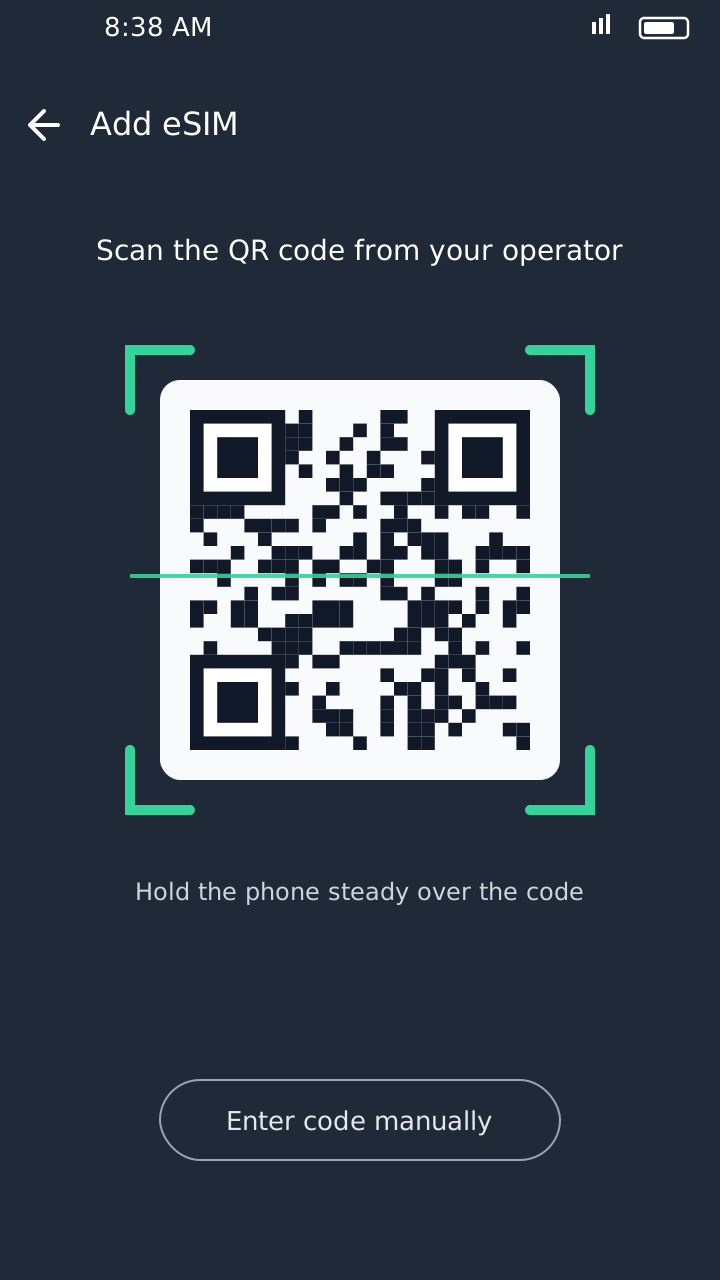
Connect your phone to Wi-Fi, open your SIM settings, tap Add eSIM, scan the QR code and follow the instructions. Wait for the eSIM to activate.
How to Convert Your Telenor SIM to eSIM
You can keep your existing number and switch to eSIM:
- Check that your phone supports eSIM.
- Visit an authorised Telenor service centre with your original CNIC.
- Ask for a physical SIM to eSIM conversion.
- Complete biometric verification.
- Scan the QR code on your phone, connected to Wi-Fi.
- Wait for the eSIM to activate.
Your old plastic SIM stops working once the conversion is complete.
Telenor eSIM Supported Phones
Your phone needs eSIM hardware and software. Telenor's compatibility list includes models such as:
Apple
iPhone XR, XS, XS Max and iPhone 11 to 15 series
Samsung
Galaxy S20 to S24 series, Note 20, Z Fold and Z Flip
Google
Selected Pixel 2 to 8 series phones
Huawei
P40, P40 Pro, Mate 40 Pro
Oppo
Selected Find X and Reno models
This is not a complete list. Newer phones may also support eSIM, and versions of the same phone sold in different countries can differ. Always check your exact model.
How to Check Whether Your Phone Supports eSIM
Method 1: Dial *#06#
Open your dialer and dial *#06#. If an EID number appears, your phone has eSIM hardware.
Method 2: iPhone Settings
Open Settings → Mobile Service (or Cellular) and look for Add eSIM.
Method 3: Samsung Settings
Open Settings → Connections → SIM Manager and look for Add eSIM.
Method 4: Pixel and Other Android Phones
Open Settings → Network & internet → SIMs and look for Add SIM or Download a SIM.
Menu names can vary by phone model and software version.
Before You Get a Telenor eSIM
- Your phone must support eSIM.
- Take your original CNIC for biometric verification.
- Make sure your phone is PTA-registered, especially if it is imported.
- Keep the QR code and activation email safe.
- Don't delete your eSIM profile without knowing how to recover it.
- Check the latest fee before paying.
Telenor and Ufone Merger: What eSIM Users Should Know
On 1 July 2026, Telenor Pakistan merged into Pak Telecom Mobile Limited (PTML), the company that operates Ufone. Existing Telenor SIMs, numbers and services have continued to work during the integration.
If you want an eSIM or a conversion, contact customer support at 345 or visit an authorised centre to confirm the current process for your number.
Final Words
A Telenor eSIM is a convenient alternative to a plastic SIM: you install your connection with a QR code. Check your phone's compatibility and PTA registration, take your original CNIC to an authorised centre, and confirm the fee (up to Rs. 1,500) before paying.
Forgot your number after switching? Read our Telenor number check code guide. And don't miss today's My Telenor quiz answers. This is an independent website and is not part of Telenor.