Tired of losing your balance when your internet package expires? Many Telenor users see unexpected deductions because mobile data keeps working after the data bundle runs out. Background apps, automatic updates and other online services can use your remaining balance without you noticing.
The Telenor balance save code stops this by blocking pay-as-you-go (PAYG) internet after your bundle is finished. The code listed by the Pakistan Telecommunication Authority (PTA) is *342#, and the service is free.
Telenor Balance Save Code
*342#
Telenor Balance Save (PayG Blocker), free, as listed by PTA
Dial this code to turn on the Balance Save, also called PayG Blocker, service on your Telenor SIM.
How to Save Balance in Telenor
Open Your Phone Dialer
Open the calling app on your smartphone or basic phone.
Select Your Telenor SIM
If your phone has two SIMs, make sure you choose the Telenor SIM.
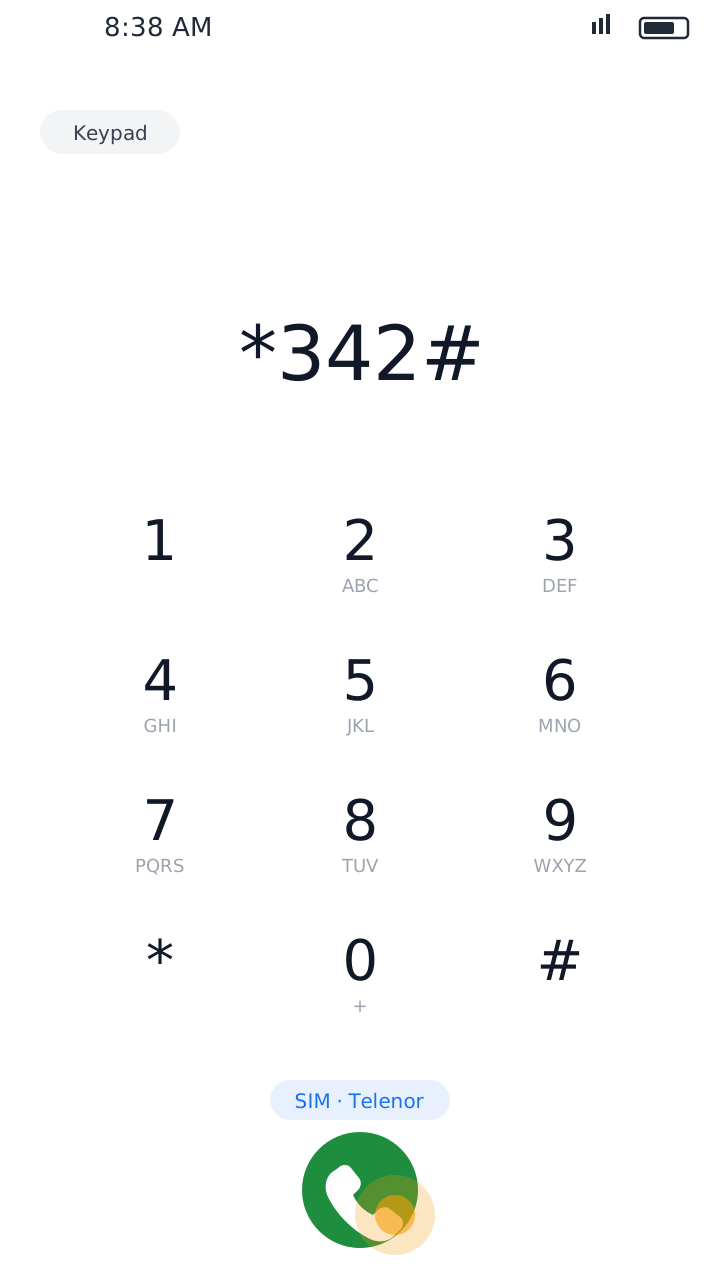
Dial *342#
Type *342# and press the call button.
Follow the Instructions
If a menu appears, read the instructions and continue as shown.
Wait for Confirmation
Check the confirmation message to see whether the service has been turned on.
Once it is on, pay-as-you-go internet charges stop when your data bundle runs out.
What Is Telenor Balance Save?
Balance Save protects prepaid users from unexpected internet charges.
Normally, when your internet package expires or its MBs are used up, mobile internet can keep running on your main balance at pay-as-you-go rates. Your balance can disappear quickly, especially when apps use the internet in the background.
Balance Save works as a PayG Blocker: once your bundle is finished, it stops further mobile internet instead of charging your balance.
Is Telenor Balance Save Free?
Yes. In its consumer advisory of March 2026, PTA urged users to turn on the Balance Save (PayG Blocker) service and said mobile operators provide it free of charge.
- No subscription fee to turn it on.
- Data bundles, calls and SMS still have their normal charges.
- It only stops deductions caused by out-of-bundle internet.
Why Does My Telenor Balance Decrease Automatically?
Common reasons your balance goes down:
Expired Package
Your data bundle ended while mobile data was still on.
Background Apps
Apps use the internet even when you don't open them.
Automatic Updates
Your phone downloads app or system updates.
Cloud Sync
Photos, contacts and files keep syncing in the background.
Out-of-Bundle Internet
With no bundle, internet is charged from your main balance.
Balance Save fixes the last problem by blocking pay-as-you-go data.
Balance Save vs Data Saver
They sound similar but work differently:
Balance Save (*342#)
Works on Telenor's network. It stops internet from charging your balance when your data bundle is finished.
Data Saver (Phone Setting)
Works on your phone. It limits apps from using data in the background. On most Android phones you find it under Settings → Network & internet → Data Saver.
Best Protection
Turn on both: Balance Save to protect your balance, and Data Saver to make your MBs last longer.
Balance Save Code Not Working? What to Do
- Make sure you are dialing *342# from your Telenor SIM.
- Check that your phone has a stable signal.
- Type the code again carefully.
- Restart your phone if the code does not respond.
- Try again after a few minutes in case of a network problem.
- Call Telenor customer support at 345 if it still does not turn on.
- Check your account and services in the My Telenor app.
Other Useful Telenor Codes
*342#
Balance Save / PayG Blocker
*444#
Main balance check
*999#
Remaining internet MBs
*222#
Remaining minutes
*111#
Remaining SMS
*0#
Advance balance
345
Customer support
Codes and charges can change over time, so check the latest information when needed. Out of balance? Read our guide on the Telenor advance code. Forgot your number? See the Telenor number check code.
Final Words
Unexpected deductions are frustrating, especially when your internet package expires without you noticing. Dial *342# to turn on Telenor Balance Save for free and stop out-of-bundle internet from eating your balance.
Keep a data package active, watch your internet usage and turn on Data Saver on your phone to control your mobile costs. And while you are in the My Telenor app, don't miss today's My Telenor quiz answers. This is an independent website and is not part of Telenor.