Have you forgotten your Telenor mobile number and want to find it quickly? You can check your own number with Telenor's self-service menu, an SMS, the My Telenor app or a quick call to another phone. These methods help when you have a new SIM, don't remember your number or want to share it with someone.
This guide explains the Telenor number check code, how to find your number without balance, and what to do when a code doesn't work.
Telenor Number Check Code
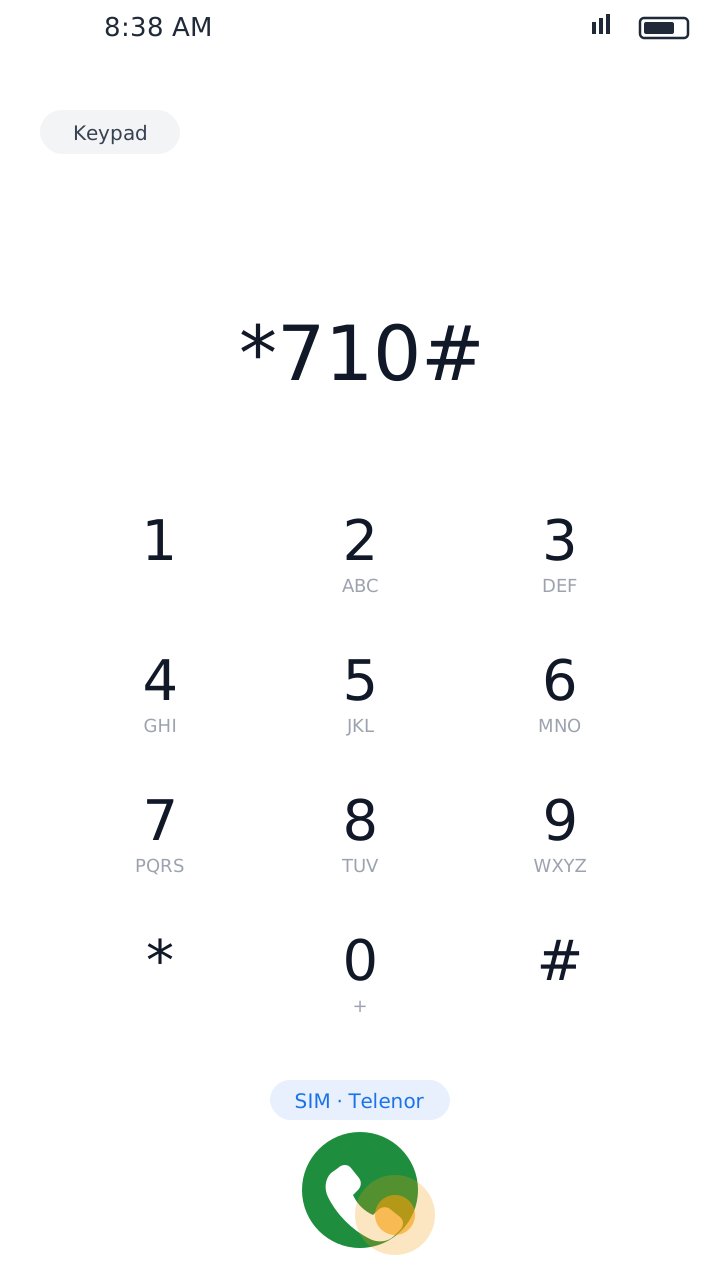
Telenor's self-service menu is *710#. Look for the Own Number Status option in it.
Open the Dialer
Open your phone's dialer. If your phone has two SIMs, make sure you are dialing from the Telenor SIM.
Dial *710#
Dial *710# and press the call button.
Choose Own Number Status
Look for the Own Number Status option in the menu and follow the instructions on your screen.
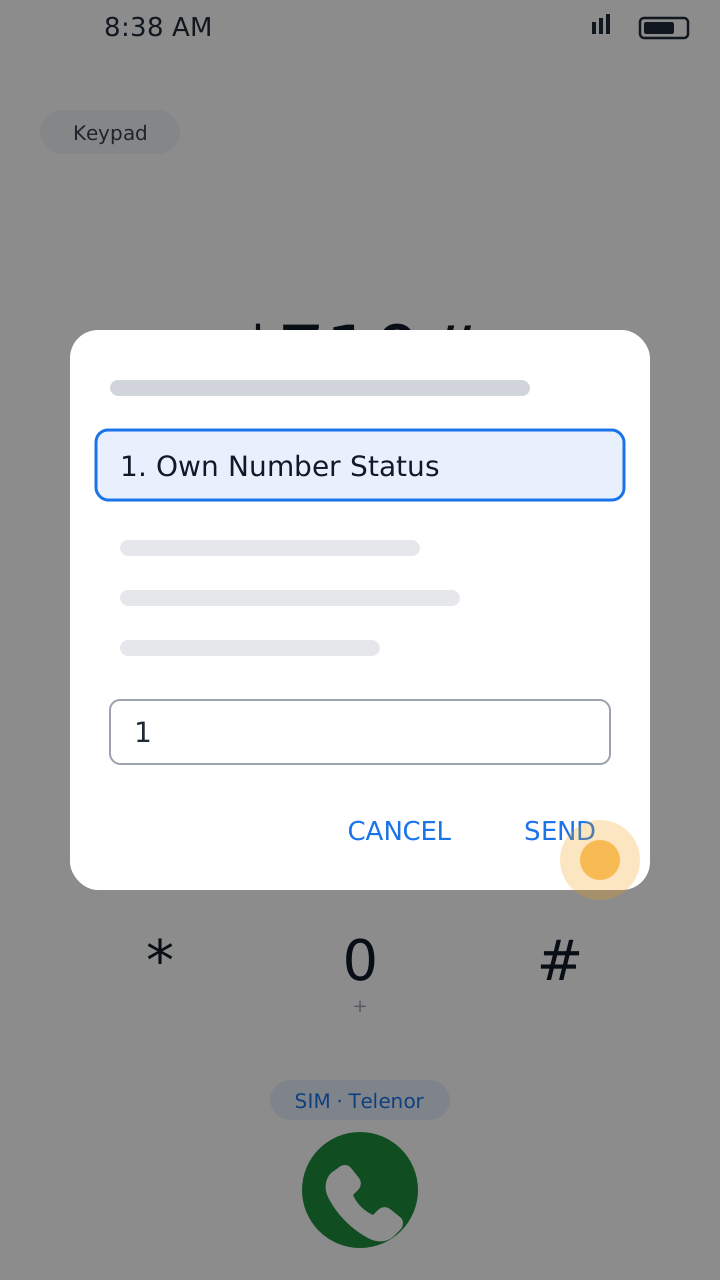
The exact menu can vary depending on the services available on your connection.
How to Check My Telenor Number Without Balance
No balance on your SIM? Try these methods:
1. The My Telenor App (Easiest)
Open the My Telenor app over Wi-Fi or mobile data and sign in. Your number is shown on the app's home screen and in your profile.
2. The Self-Service Menu *710#
Dial *710# and choose Own Number Status. Telenor's guide does not say whether this menu is charged, so check before relying on it.
3. Send an SMS to 7421
Guides commonly say to type the letter A and send it to 7421. You receive a reply with your SIM number. Check the SMS charges before sending.
How to Check Your Own Telenor Number Through the App
The My Telenor app is the most reliable way to see your number, and it also shows your balance and bundles.
Open the My Telenor App
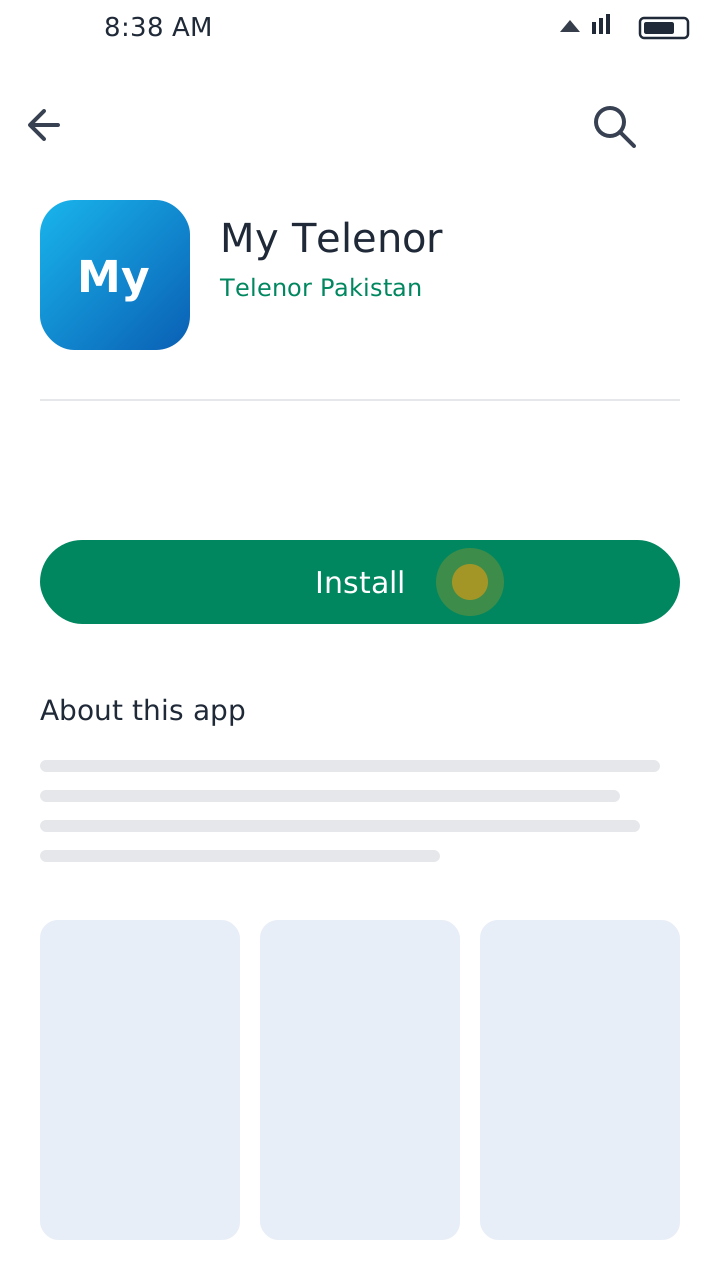
Open the app on your smartphone. If you don't have it, install it from the Google Play Store or the Apple App Store.
Sign In
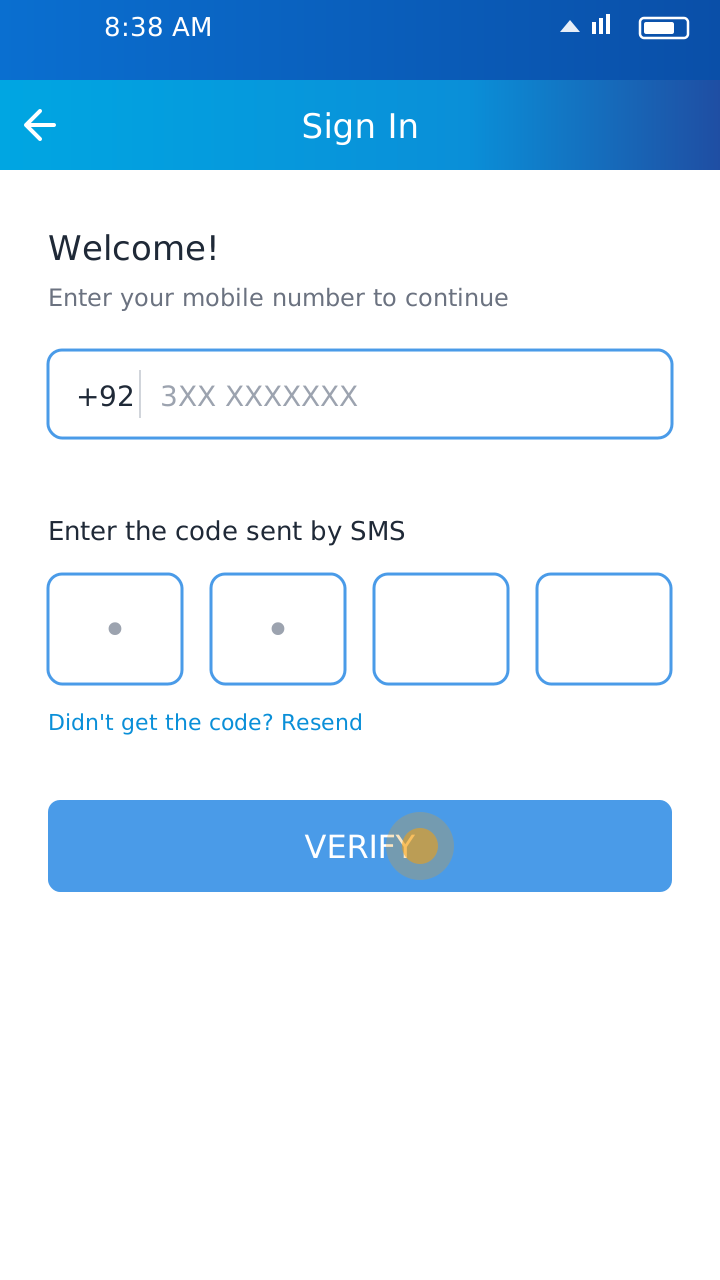
Sign in with your Telenor connection and enter the SMS code if the app asks for one.
Check Your Number
Your number is shown on the home screen. You can also open your profile or account information to see it.
If you can't use the app, try the self-service menu or call customer support at 345.
Find Your Telenor Number by Calling Another Phone
If another phone is nearby, this is the simplest method:
- Call the other phone from your Telenor SIM.
- Check the caller ID shown on the other phone.
- Write down your number and save it in your contacts.
This needs an active calling service and may need some balance.
Is *8888# the Telenor SIM Number Check Code?
Many people search for *8888# as the Telenor number check code, and many websites mention it. However, we could not find it in Telenor's own self-service guides as the way to check your own number.
For a documented option, use *710# and choose Own Number Status, send an SMS to 7421, or open the My Telenor app. Don't assume a code you found online works on every connection or is free.
Number Check vs SIM Ownership Check
Checking your own number and checking SIM ownership are different services:
Own Number Check
Shows the mobile number of the SIM you are using.
SIM Ownership Check
Verifies the registration details linked to a SIM.
CNIC SIM Check
Shows how many SIMs are registered on your CNIC. Send your CNIC number (without dashes) to 668 or use the PTA SIM Information System. This does not show your own number.
Useful Telenor Codes
Common self-service codes for managing your connection:
*710#
Self-service menu (Own Number Status)
*444#
Balance check
*111#
Remaining SMS
*222#
Remaining call minutes
*999#
Remaining internet
345
Customer support helpline
Some services may be charged, and codes can change over time (Telenor Pakistan is now part of PTCL). If a code doesn't work, call 345 to confirm.
Tips If the Code Is Not Working
- Check that your SIM is active and has network signal.
- On a dual-SIM phone, make sure you dial from the Telenor SIM.
- Restart your phone and try again.
- Use the My Telenor app as an alternative.
- Look at your SIM packaging, where the number is often printed.
- Call the Telenor helpline at 345 for help.
Final Words
Finding your Telenor number is easy when you know the options: open the My Telenor app, dial *710# and choose Own Number Status, or send an SMS to 7421. Always check the availability and charges of a service before using it.
Already using the My Telenor app? Don't miss the daily quiz: see today's My Telenor quiz answers and our Test Your Skills guide. This is an independent website and is not part of Telenor.