Have you run out of balance and need to make an urgent call or send an important message? Telenor offers an emergency advance balance service for eligible prepaid users when their balance is low. You request it by dialing a short code from your Telenor SIM.
If you are searching for the Telenor advance code, the Telenor loan code or how to get advance in Telenor, this guide explains how the service works, what it costs and when the borrowed amount is deducted.
Telenor Advance Code
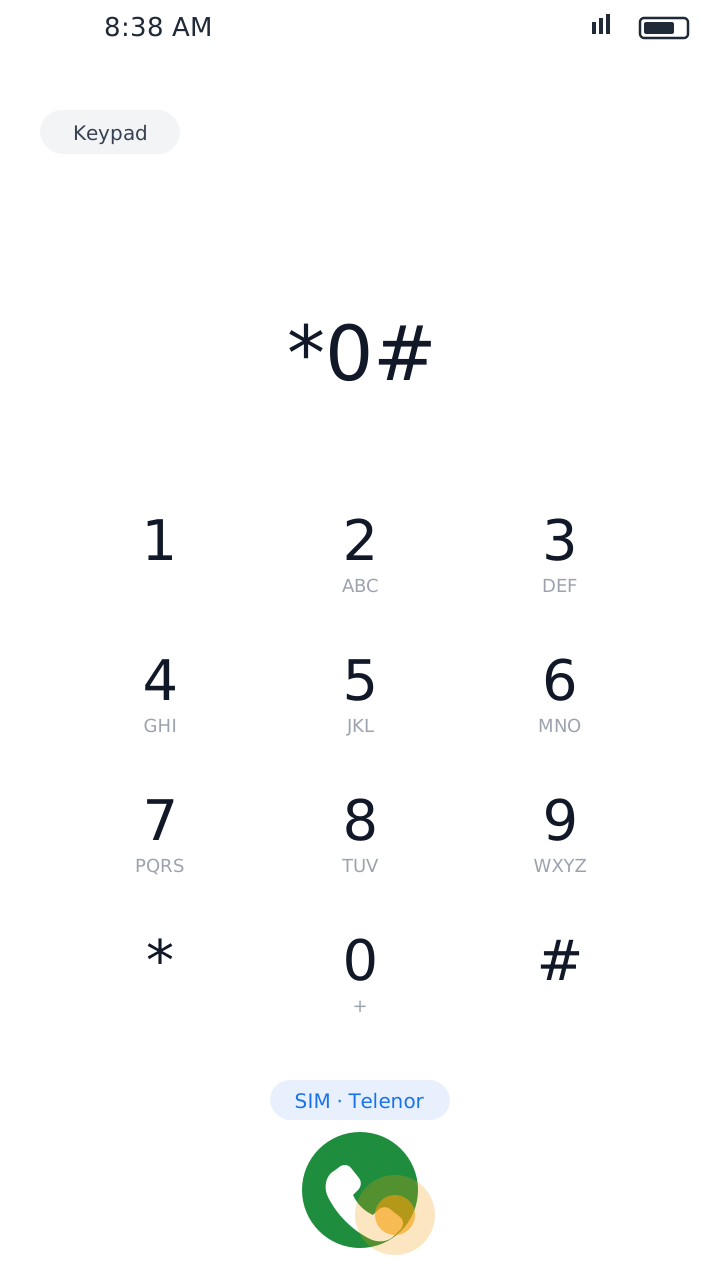
The commonly reported Telenor advance balance code is *0#. Follow these steps to request an advance:
Open the Dialer
Open your phone's dialer. On a dual-SIM phone, choose your Telenor SIM.
Dial *0#
Dial *0# and press the call button, then wait for the network's reply.
Read the Amount and Fee
The message shows the advance amount and the service fee. Read it carefully.
Confirm the Request
If you agree with the terms, confirm. If your number is eligible, the advance is added to your balance.
The code is widely reported, but availability and charges can change. Always go by the message shown on your own SIM.
Before You Request an Advance
- Your Telenor SIM is prepaid and active.
- Any previous advance has been repaid (recharge first if not).
- Your balance is low, since the service is meant for emergencies.
- You have read the amount and fee in the confirmation message.
Telenor Advance Balance Charges
The advance is not free. Telecom guides commonly report:
Rs. 15
Advance amount
Rs. 3.50 – 4.18
Service fee (including tax)
Next recharge
When the advance and fee are deducted
These figures are not confirmed as Telenor's current official tariff and can change. The confirmation message after dialing *0# is your main reference before accepting.
How Does Telenor Loan Repayment Work?
Telenor advance is a temporary credit. The borrowed amount and service fee are recovered from your next recharge:
Request the Advance
Dial *0# and confirm. The amount is added to your SIM.
Use the Balance
Use it for calls, SMS or other eligible services.
Recharge Later
When you recharge, the advance and the fee are deducted automatically. The rest of your recharge stays in your balance.
Who Can Get Telenor Advance Balance?
Not every Telenor number is eligible. Eligibility can depend on:
- Whether your connection is prepaid.
- Your SIM's activity and usage history.
- Your current balance.
- Whether a previous advance is still unpaid.
- Other conditions set by the operator.
If you can't get an advance, it doesn't mean your SIM is blocked. Your number may simply not meet the current conditions.
Why Is the Telenor Advance Code Not Working?
1. Previous Advance Is Unpaid
If you already have an outstanding advance, recharge your SIM before requesting another one.
2. Your SIM Is Not Eligible
The service is meant for eligible prepaid connections.
3. Your Balance Is Above the Limit
The operator may only allow an advance when your balance is below a certain amount.
4. Network Problems
Weak signal can stop USSD codes from working. Try again when your signal is stable.
5. The Service Has Changed
Codes and conditions can change (Telenor Pakistan is now part of PTCL). If *0# doesn't work, call the helpline at 345 to confirm the current method.
How to Check Your Balance After Getting an Advance
Dial *444#
Open your dialer, dial *444# and press the call button.
Check Your Balance
Wait for the reply and check your remaining balance. A small balance inquiry charge may apply.
You can also see your balance for free in the My Telenor app. Forgot your own number? Read our guide on the Telenor number check code.
Important Things to Know
- The commonly reported advance code is *0#.
- The service is for eligible prepaid users.
- An unpaid advance can stop you from getting another one.
- The advance and fee are recovered from your next recharge.
- The amount and charges can change.
- Always read the confirmation message before accepting.
Final Words
Telenor advance balance is useful when you run out of balance and need to stay connected. Dial *0# from your prepaid SIM, check the amount, fee and repayment terms in the message, and only then confirm. This way you avoid unexpected deductions from your next recharge.
Using the My Telenor app? Don't miss today's My Telenor quiz answers. This is an independent website and is not part of Telenor.