Looking for the latest Telenor internet packages in Pakistan? Whether you need data for one hour, a day, a week or a whole month, Telenor has bundles for browsing, social media, video, online classes and everyday use.
This guide covers Telenor hourly, daily, 3-day, weekly and monthly packages with their reported prices and codes, how to subscribe, how to check your remaining MBs and how to get free MBs.
Prices Change Often
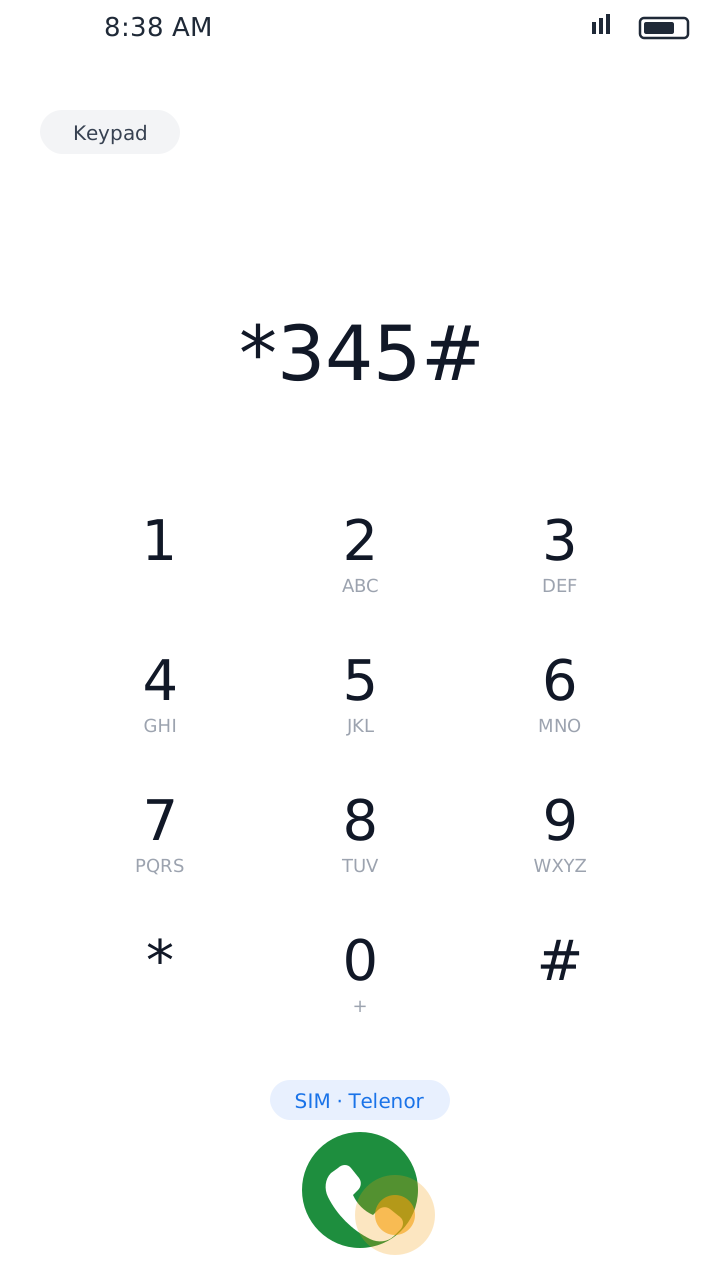
The prices and codes below come from package listings and may be out of date. Telenor raised the price of several bundles in 2026. Before subscribing, always check the final price in the My Telenor app or dial *345# for the package menu.
Telenor Internet Packages – Quick Overview
1 Hour
For short browsing sessions.
Daily (1 Day)
For everyday browsing.
3 Days
For short-term use and trips.
Weekly (7 Days)
For regular weekly use.
Monthly (30 Days)
For long-term internet access.
Telenor 1 Hour Internet Package Code
A one-hour package is handy for a quick online task without buying a daily or weekly bundle.
1 Hour Surf
500 MB · 1 hour · about Rs. 10
Code: *345*99#
Telenor Daily Internet Packages
Daily packages suit users who need data for a short time, for messaging, social media and browsing.
Daily Social Pack
70 MB (social apps) · 1 day · about Rs. 3
Code: *311#
Daily YouTube Pack
500 MB (YouTube) · 1 day · about Rs. 8–10
Code: *60#
Daily Off-Peak Offer
1.5 GB · selected hours · about Rs. 15–18
Code: *10#
Raat Din Offer
1.5 GB · 12 hours · about Rs. 18
Code: *150#
Some packages only work for certain apps or at certain hours. Read the details before activating.
Telenor 3-Day Internet Package
If you don't need a full week, a 3-day bundle is a good middle option.
3-Day Internet Offer
2 GB · 3 days · about Rs. 60
Code: *345*30#
Telenor Weekly Internet Packages
Instead of buying a daily bundle again and again, you can choose a 7-day package.
Weekly Zoom Package
3 GB · 7 days · about Rs. 80
Code: *345*56#
4G Weekly Super
4 GB · 7 days · about Rs. 175
Code: *288#
Weekly Internet
4 GB + 4 GB YouTube · 7 days · about Rs. 180
Code: *5*65#
4G Weekly Ultra Plus
10 GB · 7 days · about Rs. 330
Code: *225#
Some weekly offers give extra data only at certain hours or only for certain apps. Check the description if you want to use the internet all day.
Telenor Monthly Internet Packages
Monthly bundles suit people who use mobile data every day for work, study, entertainment and social media.
4G Monthly Lite
4 GB · 30 days · about Rs. 260–304
Code: *301#
4G Monthly Starter
8 GB · 30 days · about Rs. 370
Code: *302#
4G Monthly Ultra
12 GB + night data · 30 days · about Rs. 782
Code: *335#
Monthly Extreme Offer
40 GB · 30 days · about Rs. 1,217
Code: *708#
Monthly Extreme Plus
60 GB · 30 days · about Rs. 1,300
Code: *345*48#
Monthly Extreme Pro Max
100 GB · 30 days · about Rs. 1,565
Code: *345*26#
These prices are reported in package listings and may be different from Telenor's latest offers. Check the final price and data before activating.
How to Subscribe to Telenor Internet Packages
Method 1: Dial the Package Code
Open your dialer, choose your Telenor SIM, dial the package code and press call. Read the price and validity shown, confirm, and wait for the confirmation SMS.
Method 2: Use the My Telenor App
Open the My Telenor app, sign in and go to the internet packages or offers section. Choose a daily, weekly or monthly bundle, check its price, MBs and validity, and confirm.
The app also shows personalised offers for your number, which can be cheaper than the standard packages.
How to Check Remaining Telenor MBs
Dial *999#
Open your dialer, dial *999# and press call.
Read Your Remaining Data
Wait for the reply and check your remaining MBs. A small inquiry charge may apply.
You can also see your remaining data for free in the My Telenor app. To stop your balance being used when your MBs run out, turn on Telenor Balance Save with *342#.
How to Get Free MBs on Telenor
There is no universal free MB code that gives free internet to every Telenor user. Free data comes from promotions and app rewards:
- My Telenor app rewards: the daily Test Your Skills quiz can give rewards. See today's answers before you play.
- SIM Lagao offer: Telenor sometimes gives special offers to eligible inactive SIMs. Eligible users can check by dialing *2222# or following Telenor's instructions.
- Offers section: open the offers section in the My Telenor app regularly for special data rewards for your number.
- Avoid websites or messages promising unlimited free MBs with unofficial codes.
- Never share your SMS verification code with anyone.
- Always confirm free data offers through Telenor's official app.
Which Telenor Internet Package Should You Choose?
Quick Task
Choose the 1 hour package.
Occasional Use
A daily package is enough.
A Few Days
Try the 3-day bundle.
Regular Use
Pick a weekly package.
Heavy Use
Compare monthly bundles by data and price.
Social Media Only
A social pack can be the cheapest option.
Before subscribing, compare validity, data, app or time limits and the total price.
Final Words
Telenor internet packages cover every need, from a one-hour bundle to a 100 GB monthly package. Compare the price, MBs, validity and code before you subscribe, and check the My Telenor app for the latest offers, since prices change often.
While you are in the app, don't miss the daily quiz: see today's My Telenor quiz answers. This is an independent website and is not part of Telenor.